Lead Routing Automation: Respond in Under 5 Minutes
How lead routing automation works, the six routing rules to choose from, a step-by-step workflow blueprint, escalation timers and the metrics that prove it works.





Part of AI Automation Agency: What We Build and How It Works
Most businesses don’t lose leads because their offer is weak. They lose them in the gap between the form submission and the first reply. The lead sits in a shared inbox, two salespeople each assume the other has it, the one who picks it up is the wrong person for that service, and by the time anyone calls, the prospect has booked with someone else.
Lead routing automation closes that gap. Every lead is captured, checked, scored and assigned to the right person automatically, the lead gets an instant reply, and if nobody follows up in time, the system escalates. This guide explains the routing rules to choose from, a step-by-step workflow you can build in n8n, Make, Zapier or your CRM, and the numbers that show it’s working.
Quick answer: Lead routing automation captures every lead from every source into one place, removes duplicates, scores it, assigns it to the right salesperson using rules such as territory, service, round robin or deal size, notifies them instantly, sends the lead an automatic first reply and escalates if no one responds within a set time. A well-built routing workflow lets most businesses get a personal response to every lead within five minutes during working hours.
Why speed to lead matters so much
When someone fills in a form, they’re usually comparing options at that moment. Every minute that passes, they’re talking to a competitor or losing interest. A widely cited Harvard Business Review analysis of online leads found that companies that contacted leads within an hour were far more likely to qualify them than companies that waited even an hour longer, and many companies took more than a day to respond at all.
Five minutes is a useful working target: fast enough that the lead is still on their phone or at their desk, and realistic for a team during business hours once routing is automated. Outside working hours, an instant automated reply and a booking link do the job until a person can follow up.
What lead routing automation does
A complete routing system handles seven jobs that usually fall between the cracks when done manually:
Capture leads from every source: web forms, ads, landing pages, chat, email, phone and marketplaces.
Clean the data: standardize names and phone numbers, and check for duplicates or existing customers.
Enrich and score the lead with extra information and a priority level.
Assign it to the right person using your routing rules.
Notify that person instantly, where they’ll actually see it.
Reply to the lead automatically so they know they’ve been heard.
Escalate if the assigned person doesn’t act within your target time.
The six lead routing rules, and when to use each
Your routing logic decides who gets each lead. Most businesses combine two or three of these rules, applied in order.
Routing rule
How it works
Best for
Round robin
Leads are shared out in turn so everyone gets an equal number
Small teams selling one main service
Territory
Leads go to the person covering the lead’s location
Local services, real estate, multi-location businesses
Service or skill
Leads go to the specialist for the service requested
Teams with specialists or several product lines
Value or score
High-value or high-intent leads go to senior reps
Very different deal sizes
Availability
Leads skip anyone who is off, busy or at capacity
Shift-based teams and busy periods
Account or owner
Existing customers and returning leads go to their current owner
Businesses with repeat or account-based sales
A common, effective combination: first check whether the lead is an existing customer (send to their owner), then match by service or territory, then use round robin among the people who qualify, skipping anyone unavailable. High-value leads can jump to a senior rep at any point.
A step-by-step lead routing workflow
Here’s the blueprint I use as a starting point for most clients. It works in n8n, Make or Zapier, or in the workflow tools built into CRMs like HubSpot and GoHighLevel. If you’re new to building workflows, start with my step-by-step no-code automation guide, and see my n8n vs Make vs Zapier comparison for choosing a platform.
Step
What happens
How it’s built
1. Trigger
A new lead arrives from any source
Webhook from each form, ad platform or chat tool into one workflow
2. Normalize
Names, emails and phone numbers are cleaned into one format
Formatting steps; phone numbers in international format
3. Dedupe
The workflow checks whether the person already exists
CRM search by email and phone; existing records are updated, not duplicated
4. Enrich
Adds context such as company size, location or source campaign
Data from the form, UTM tags and optional enrichment tools
5. Score
Gives the lead a priority, for example high, medium or low
Rules based on service, budget, location and source
6. Assign
Picks the owner using your routing rules
A switch or router step plus a round-robin counter
7. Notify
Alerts the owner with the key details and a one-tap call link
SMS, Slack, Teams or a mobile CRM notification
8. First reply
The lead receives an instant, personalized message
Email and SMS (or WhatsApp) with a booking link
9. Escalate
If nobody acts in time, the lead moves up or across
Wait step that checks the CRM for activity, then reassigns or alerts a manager
10. Log
Records the source, owner, timestamps and outcome
CRM fields and a reporting sheet or dashboard
For step 6, n8n’s Switch node and Make’s Router module let you send leads down different paths based on service, territory or score. For round robin, store a simple counter (in your CRM, a data store or a spreadsheet) and move it on by one with each lead.
Escalation timers that keep leads from going cold
Routing a lead isn’t the same as handling it. The escalation step is what turns “assigned” into “answered.” Here’s a sensible default for business hours; adjust the timings to your team.
Time since lead arrived
What happens
0 minutes
Lead assigned, owner notified, automatic first reply sent to the lead
5 minutes
If no call, message or status change is logged, the owner gets a second, louder alert
10 minutes
Lead is reassigned to the next available rep, and the original owner is told
15 minutes
Sales manager is alerted with the lead details
Outside working hours
Lead gets a booking link, and is first in the queue at the start of the next working day
Escalation only works if the CRM shows real activity. Make logging a call or changing a lead’s status part of the rep’s routine; one tap from the notification is ideal. After the first contact, an automated follow-up sequence takes over for leads who don’t respond, as covered in AI Automation for Customer Follow-Up.
Where AI helps, and where it doesn’t
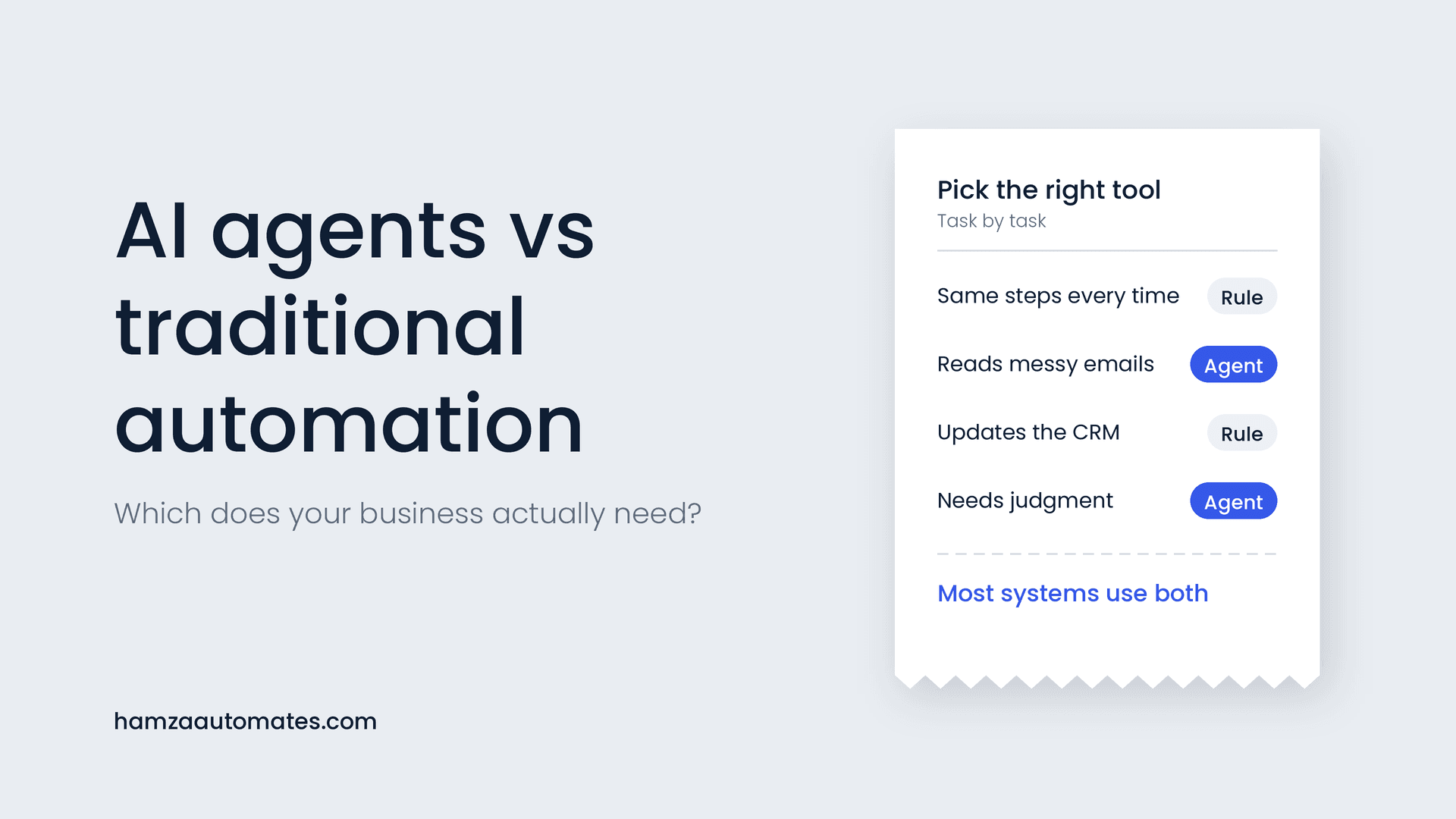
Most of a routing workflow should be plain rules: they’re fast, cheap and predictable. I explain how to draw that line in AI Agents vs Traditional Automation. AI earns its place in a few specific steps:
- Reading free-text enquiries. When a lead writes “need someone to look at a leak over the kitchen, ideally this week,” AI can turn that into structured fields: service, urgency and location.
- Smarter scoring. AI can flag intent signals in the message, such as urgency, budget mentions or comparison shopping, alongside your rule-based score.
- Instant conversations. Instead of a static auto-reply, a lead qualification chatbot or an AI voice agent can have a real first conversation and book a call before the lead is routed.
Keep the assignment itself rule-based. Who gets the lead should be explainable and fair to your team, and that’s much easier with clear rules than with an AI decision.
How to measure whether it’s working
Record these numbers for a month before you launch, then track them weekly. My ROI framework shows how to turn them into a payback figure.
Metric
What good looks like
Median time to first personal response
Under 5 minutes in working hours
Share of leads contacted within 5 minutes
Steadily rising towards 90% or more
Leads with no follow-up at all
Close to zero
Contact rate
Higher than before launch
Lead-to-meeting or lead-to-quote rate
Higher than before launch
Duplicate records created
Close to zero
Escalations per rep
Low; a high number points to capacity or process issues
Common mistakes to avoid
Leaving some sources out. If ads, chat or phone leads skip the routing workflow, they’ll still fall through the cracks. Every source should feed the same trigger.
No duplicate check. Without one, returning customers get treated as new leads and two reps end up calling the same person.
Notifications nobody sees. An email to a shared inbox is not a notification. Send alerts where your reps actually look, usually their phone.
Ignoring availability. Round robin that keeps assigning leads to someone on holiday is worse than no routing at all. Connect routing to calendars or a simple availability toggle.
No escalation. Assignment without a response deadline just moves the problem from the shared inbox to one person’s inbox.
Over-complicated rules. Start with two or three rules. You can add more once you see real data.
What lead routing automation costs
A rule-based routing workflow typically costs $1,500 to $5,000 to build, depending on how many lead sources you have, which CRM you use and how complex your rules are. Running costs are usually covered by your existing automation platform and CRM plans, plus SMS fees. Adding AI to read free-text enquiries adds a small usage cost, often only a few dollars a month at typical lead volumes. See my AI automation cost guide for the full breakdown, and What Automating 40 Hours a Month Actually Costs for a worked example of the time savings.
Lead routing by industry
The rules change by business type. Real estate teams often route by area and price band, and need fast replies on portal leads; my guide to marketing automation for real estate agencies covers that in detail. Home services usually route by service and territory with strict escalation for urgent jobs. B2B teams often route by company size and existing account ownership. For a broader look at which processes small businesses automate first, see Business Workflow Automation for SMEs.
Want lead routing set up for your team?
At Hexona Systems, we build lead routing and follow-up systems that connect every lead source to your CRM, assign leads fairly and fast, and make sure nothing slips through. See our workflow and marketing automation services, or book a call and we’ll map your current lead flow together. If you want AI to handle the first conversation too, see what we build as an AI automation agency.
Frequently asked questions
What is lead routing automation?
Lead routing automation captures every new lead, cleans and scores it, assigns it to the right salesperson using rules you set, notifies them instantly, sends the lead an immediate reply and escalates if nobody responds in time.
What is the best lead routing method?
It depends on your team. Round robin suits small teams selling one service, territory routing suits location-based businesses, and skill- or value-based routing suits teams with specialists or very different deal sizes. Most businesses combine two or three rules.
Can I automate lead routing without a CRM?
You can start with tools like n8n, Make or Zapier and a shared spreadsheet, but a CRM makes ownership, history and reporting far more reliable. Most businesses that route more than a few leads a day benefit from one.
How fast should I respond to a new lead?
As fast as possible. Aim for an automatic first reply within a minute and a personal follow-up within five minutes during working hours. Research on online leads has found that contacting leads within an hour makes qualifying them far more likely than waiting longer.
How much does lead routing automation cost?
A rule-based routing workflow typically costs $1,500 to $5,000 to build, depending on your lead sources and CRM, plus your existing platform costs. Adding AI to classify free-text enquiries adds a small usage cost.
About the author: Hamza Baig is the founder of Hexona Systems, an AI automation agency and software platform, and the creator of the AI Automation Institute, where more than 30,000 students have learned to build with AI and automation. He has been featured in Yahoo Finance, CEO Weekly and Brainz Magazine. Follow him on X and LinkedIn.
About
Hamza Baig is the founder of Hexona Systems—an automation agency and softwareplatform that helps thousands of entrepreneurs and business owners implement AI-powered workflows at scale.