Client Onboarding Automation: Step-by-Step Workflow
How to automate client onboarding: the 12-step workflow from signed contract to kickoff call, a day-by-day timeline, the tools to use and where AI helps.





The first week after a client signs sets the tone for the whole relationship. Done well, they feel looked after and confident they chose the right partner. Done badly, they wait days for a welcome email, get asked for the same information twice and turn up to a kickoff call that nobody prepared for.
The problem is rarely effort. It’s that onboarding is a dozen small admin steps spread across five or six tools, done by hand, often by whoever happens to be free. Client onboarding automation runs those steps for you, in the right order, every time. This guide gives you a 12-step workflow you can build in n8n, Make, Zapier or your CRM, a day-by-day timeline, the tools involved and where AI helps.
Quick answer: Client onboarding automation starts when a client signs and pays. It then creates their CRM record, folders and project, sends a welcome email and intake form, collects access securely, books the kickoff call, notifies your team, chases anything missing and prepares a kickoff brief. Most service businesses can automate the majority of onboarding admin with a standard workflow costing roughly $1,500 to $5,000 to build.
What onboarding automation covers
Every service business onboards differently, but the admin is surprisingly similar. A complete onboarding workflow usually handles:
- Records: creating or updating the client in your CRM and accounting system.
- Workspace: creating shared folders, a project from your template and internal channels.
- Communication: a welcome email, what happens next and who their contacts are.
- Information gathering: an intake form, brand assets, documents and access to their tools.
- Scheduling: booking the kickoff call at a time that works for both sides.
- Team handoff: assigning an account owner and briefing them before the call.
- Follow-through: reminders for missing items and a check-in after the first week.
Signs your onboarding needs automating
- New clients wait more than a day to hear what happens next.
- You chase the same missing information on most projects.
- Kickoff calls start with “sorry, can you send that again?”
- Different team members onboard clients in different ways.
- Onboarding takes a senior person several hours per client.
- Work starts before the invoice is paid, or the invoice gets forgotten.
If three or more of these sound familiar, onboarding is a good first automation. It’s high-frequency, highly repetitive and directly visible to clients. For other common starting points, see Business Workflow Automation for SMEs.
The 12-step onboarding workflow
This is the blueprint I use as a starting point for service businesses. It assumes a contract and first payment are your trigger. If you’re new to building workflows, start with my step-by-step no-code automation guide.
Step
What happens
How it’s built
1. Trigger
Contract signed and first payment received
Webhooks from your e-signature tool and payment platform; continue when both are in
2. Client record
Client created or updated in the CRM and moved to “Onboarding”
CRM search by email, then create or update; set the deal stage
3. Workspace
Shared folder and internal channel created with standard sub-folders
Google Drive, OneDrive or Notion steps from a template
4. Project
Project created from your template with tasks and due dates
ClickUp, Asana, Monday or your PM tool, dates calculated from today
5. Owner
Account owner assigned using your rules
Same rules as lead routing: service, capacity or round robin
6. Welcome email
Personal welcome from the owner with next steps and key contacts
Email template with merge fields, sent from the owner’s address
7. Intake form
Client receives a form for goals, contacts, brand assets and details
Typeform, Tally or your CRM’s forms, pre-filled where possible
8. Access
Client grants access to the tools you need
Checklist with instructions for delegated access; never passwords by email
9. Kickoff call
Client books the kickoff once the intake form is complete
Scheduling link for the owner’s calendar, sent after form submission
10. Reminders
Polite nudges for anything still missing
Wait steps that check the form and access status before each reminder
11. Kickoff brief
Owner receives a one-page brief before the call
Intake answers summarized (AI optional) and posted to the project
12. Week-one check-in
Short check-in and feedback request after the first week
Scheduled email or task for the owner
Two technical details make a big difference. First, use webhooks rather than polling for your triggers. Most payment platforms, including Stripe, can send a webhook the moment a payment succeeds. Second, use wait steps (in n8n, the Wait node) that check whether the client has already done something before sending a reminder, so nobody gets chased for a form they’ve already submitted. To choose a platform, see my n8n vs Make vs Zapier comparison.
A day-by-day onboarding timeline
When
Client experience
Behind the scenes
Day 0 (minutes after signing)
Welcome email, intake form and what happens next
CRM, folders, project and internal channel created; owner assigned and notified
Day 1
Reminder only if the intake form isn’t started
Owner reviews any early answers
Day 2 to 3
Intake complete; kickoff call booked
Access checklist tracked; second reminder if needed
Day before kickoff
Calendar reminder with agenda
Kickoff brief sent to the owner and team
Kickoff
A well-prepared call that focuses on goals, not admin
Notes and action items logged to the project
Day 7
Check-in email from their owner
Onboarding marked complete; any blockers escalated
Day 30
Short feedback survey
Results logged to track onboarding quality over time
Where AI helps, and where it doesn’t
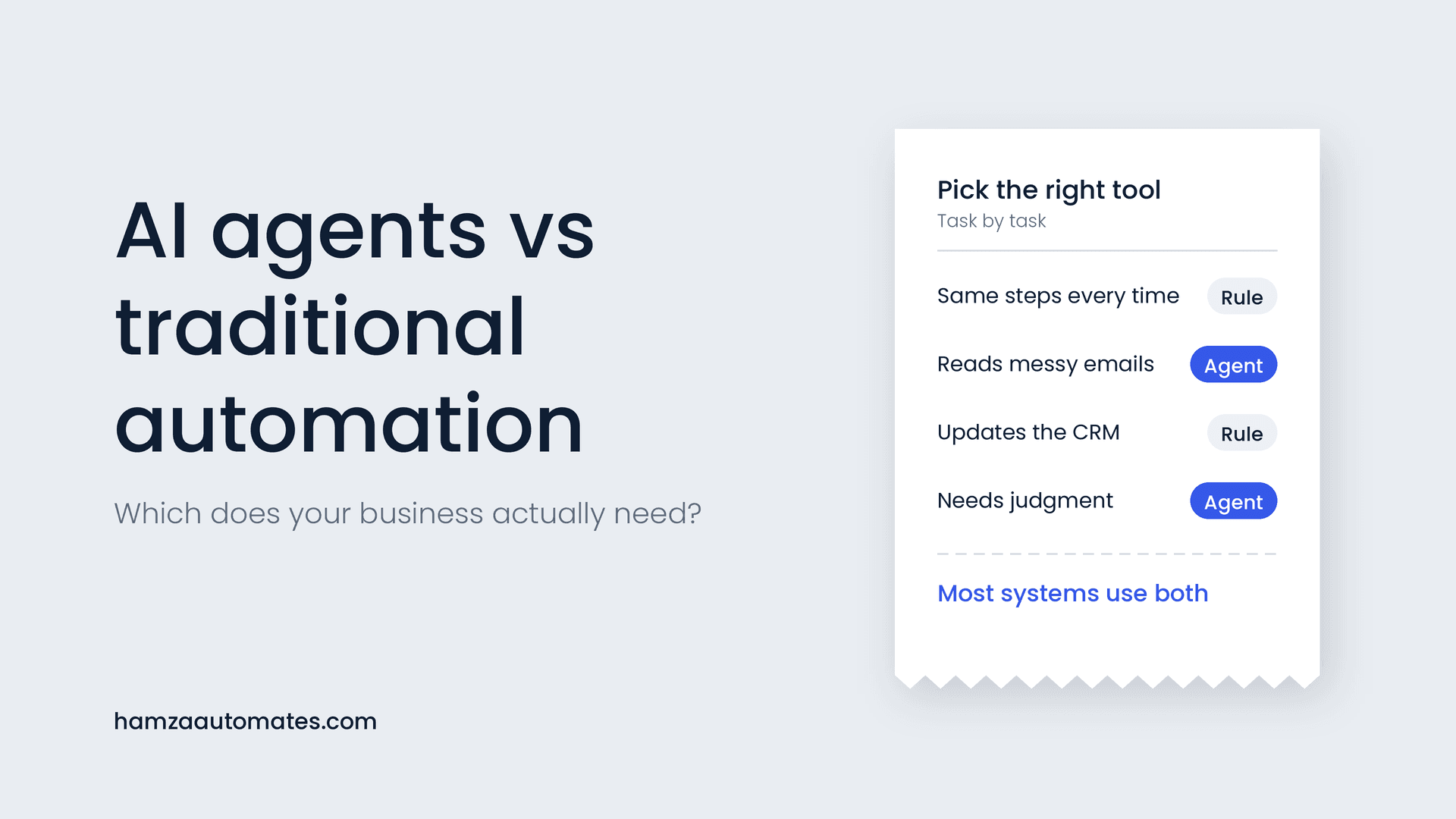
Most of the onboarding workflow should be plain rules: it’s predictable, and errors would be visible to new clients. I explain how to draw the line in AI Agents vs Traditional Automation. AI is useful in a few specific steps:
- Kickoff briefs. AI can turn long intake answers, sales call notes and emails into a one-page brief with goals, risks and open questions.
- Spotting gaps. AI can flag intake answers that are vague, contradictory or missing key details, so the owner can ask about them before the call.
- Personalizing the welcome. AI can draft a welcome message that references what the client said in the sales process, for the owner to approve.
Keep the triggers, record creation, access requests and reminders rule-based. Those steps need to work the same way every time.
Collecting access safely
Onboarding often means getting access to a client’s website, ad accounts, CRM or financial tools. Never ask clients to email passwords. Instead:
- Ask for delegated or user access wherever the platform supports it (most ad platforms, analytics tools and CRMs do).
- Where you must share a credential, use a password manager’s secure sharing feature.
- Track access requests as checklist items, so the workflow can remind the client and alert the owner when everything is in place.
- Remove access promptly when a project ends, as part of your offboarding workflow.
How much time it saves: a worked example
Here’s an illustrative example for a service business onboarding 8 new clients a month, where manual onboarding takes about 3 hours of admin per client:
- 8 clients × 3 hours = 24 hours a month of onboarding admin
- At the U.S. private industry average of $46.89 per hour worked (wages plus benefits), that’s about $1,125 a month, or roughly $13,500 a year
If automation removes most of that admin, a typical build pays for itself within a few months. The bigger gains are harder to put in a spreadsheet: faster starts, fewer mistakes and clients who feel well looked after from day one. Use my ROI framework to measure your own numbers, and see What Automating 40 Hours a Month Actually Costs for a fuller worked example.
Common mistakes to avoid
Automating a messy process. If every team member onboards differently, agree on one standard process first. Automating chaos just produces faster chaos.
Sending everything at once. A single email with six links and three forms overwhelms new clients. Release steps in sequence, one clear action at a time.
Reminders that ignore progress. Chasing a client for something they’ve already sent damages trust. Always check status before reminding.
Losing the human touch. Automation should handle admin, not relationships. A short personal welcome video from the owner and a well-prepared kickoff call matter more than any template.
No exception path. Some clients will need something different. Give the owner an easy way to pause the workflow or skip a step.
Onboarding automation by business type
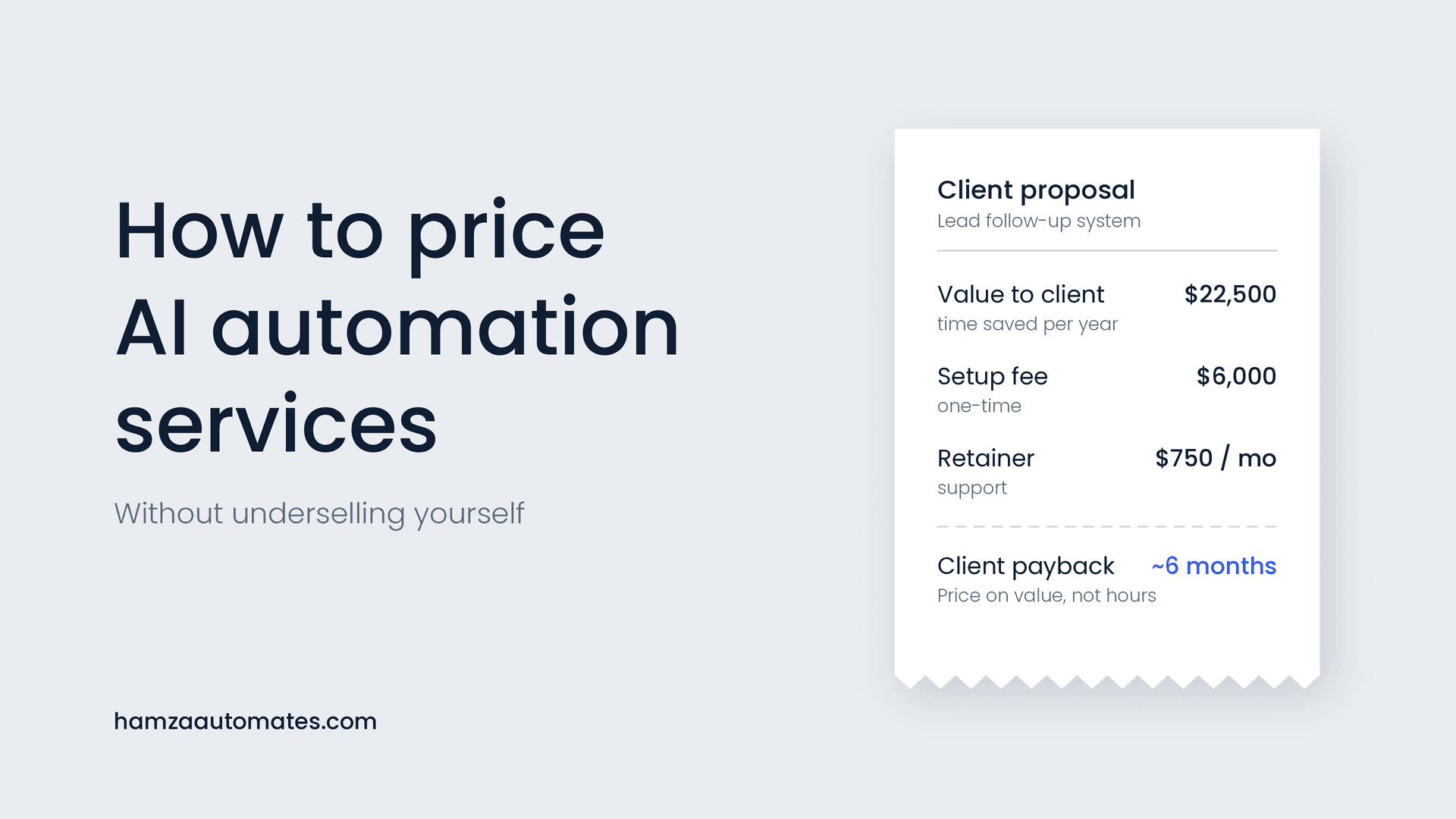
Marketing and creative agencies focus on access to ad accounts, analytics and brand assets. Accounting and bookkeeping firms focus on document collection and engagement letters; AI-assisted document processing pairs well here, as I explain in Why AI in Accounting Only Works When You Pair It With Automation. Consultants and coaches focus on intake questionnaires and scheduling. AI automation agencies onboard clients too, and a smooth process supports the premium pricing I describe in How to Price AI Automation Services.
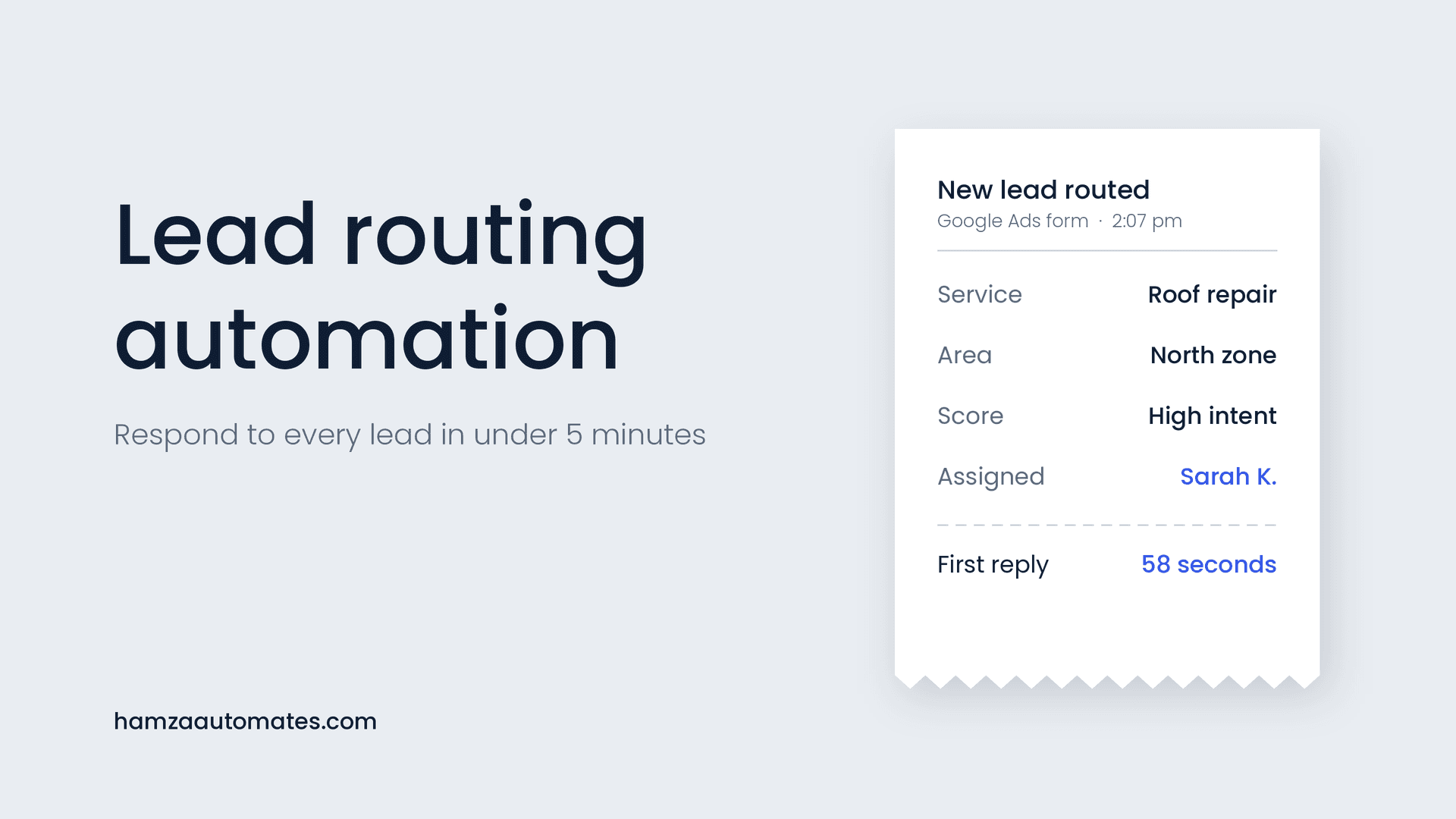
Onboarding is also the natural next step after lead routing automation. Together, they cover a client’s journey from first enquiry to kickoff with very little manual admin.
What client onboarding automation costs
A standard onboarding workflow typically costs $1,500 to $5,000 to build, depending on how many tools are involved, how many service types you onboard and whether you add AI for kickoff briefs. Running costs are usually covered by your existing tool subscriptions, plus a small AI usage cost if you use it. See my AI automation cost guide for the full breakdown.
Want onboarding automated for your business?
At Hexona Systems, we build onboarding systems that connect your contracts, payments, CRM, project tools and calendars, so every new client gets a fast, consistent start. See our workflow and marketing automation services, or book a call and we’ll map your current onboarding together. If you want AI to prepare kickoff briefs or handle client questions, see what we build as an AI automation agency.
Frequently asked questions
What is client onboarding automation?
Client onboarding automation runs the repeatable steps between a client signing and the work starting: creating their records and folders, sending the welcome email and intake form, collecting access, booking the kickoff call, notifying the team and chasing anything missing.
What should trigger an automated onboarding workflow?
Usually a signed contract or the first payment. Many businesses wait for both, so work only starts once the client is committed and paid.
Which tools do I need to automate client onboarding?
Typically a CRM, an e-signature tool, a payment platform, a form tool, a scheduling tool, file storage and a project management tool, connected by an automation platform such as n8n, Make or Zapier.
How long does it take to automate client onboarding?
A standard onboarding workflow can often be built and tested in one to three weeks, depending on how many tools are involved and how standardized your current process is.
Will automated onboarding feel impersonal to clients?
Not if it’s designed well. Automation handles the admin so your team has more time for the personal parts, such as a short welcome video and a well-prepared kickoff call.
About the author: Hamza Baig is the founder of Hexona Systems, an AI automation agency and software platform, and the creator of the AI Automation Institute, where more than 30,000 students have learned to build with AI and automation. He has been featured in Yahoo Finance, CEO Weekly and Brainz Magazine. Follow him on X and LinkedIn.
About
Hamza Baig is the founder of Hexona Systems—an automation agency and softwareplatform that helps thousands of entrepreneurs and business owners implement AI-powered workflows at scale.