How to Price AI Automation Services (2026 Guide)
How to price AI automation services: the six pricing models, a value-based pricing formula with worked numbers, what to include in retainers and how to handle AI usage costs.





Part of AI Automation Agency: What We Build and How It Works
Pricing is where most new automation agencies quietly fail. They build a workflow that saves a client 40 hours a month, charge $500 for it because “it only took a weekend,” and then spend the next year doing free support. The work was valuable. The price wasn’t.
I’ve priced hundreds of automation projects and taught thousands of students in our community to do the same. This guide shows you how to price AI automation services properly: the main pricing models, a simple value-based formula with real numbers, what goes into a retainer, how to handle AI usage costs, and how to present your price so clients say yes.
Quick answer: Price against the value your automation creates, not the hours it takes you. Work out what the problem costs the client each year, charge a one-time setup fee of roughly 20% to 35% of the first-year value, add a monthly retainer for monitoring and support, and make sure every price sits above a cost floor built from your time, tools and margin. Have clients pay AI usage costs directly or pass them through transparently.
Why hourly pricing works against you
Hourly billing feels safe when you’re starting out, but it creates three problems:
- It punishes you for getting better. The faster you build, the less you earn, even though the client gets the same result.
- It caps your income. There are only so many hours in a week.
- It makes clients focus on the wrong number. They compare your hourly rate with a freelancer’s instead of comparing your price with what the problem costs them.
Hourly pricing still has a place for small fixes, ad hoc changes and paid discovery. For anything you can scope, a fixed price tied to value is better for you and clearer for the client.
The six pricing models for AI automation
For most agencies, the strongest combination is value-based setup + retainer: you use the client’s numbers to set the setup fee, then charge a monthly retainer for keeping the system running and improving it. I explain how the setup-plus-retainer model fits into the wider business in How to Start an AI Automation Agency.
Step 1: Work out the value
Before you think about your price, put a number on the client’s problem. There are three main sources of value, and most projects have at least one:
- Time saved: hours of manual work removed each month, multiplied by the loaded hourly cost of the people doing it.
- Revenue recovered or gained: leads that no longer go cold, missed calls that become bookings, faster follow-up that closes more deals.
- Costs and errors avoided: mistakes, refunds, penalties or software you no longer need.
Here’s a worked example: a client’s team spends 40 hours a month chasing and following up leads by hand. The U.S. Bureau of Labor Statistics reports that employer compensation costs for private industry workers averaged $46.89 per hour worked in June 2026, including benefits. Using that as a reference:
- 40 hours × $46.89 = $1,875.60 a month
- × 12 months = about $22,500 a year in time alone
That’s before counting extra deals from faster follow-up, which is often worth more than the time. Always use the client’s own numbers where you can; ask for them on the discovery call. My ROI framework shows the questions to ask.
Step 2: Set your setup fee
A useful rule of thumb is to price the setup fee at 20% to 35% of the first-year value. That gives the client a clear return, usually paying back within a few months, while pricing your work on what it’s worth rather than how long it took.
In the example, 20% to 35% of $22,500 is $4,500 to $7,875. A setup fee of $6,000 sits comfortably in that range. Use the lower end when the value estimate is uncertain or the client is new to automation, and the higher end when you have strong case studies or the system touches revenue directly.
Step 3: Check your cost floor
Value-based pricing tells you what a project is worth to the client. Your cost floor tells you the minimum you can charge without losing money. Never go below it.
Cost floor component
Example
Your build time × your target effective rate
30 hours × $100 = $3,000
Discovery, project management and handover
8 hours × $100 = $800
Tools and test accounts used for the project
$100
Contingency for unexpected issues (15% to 20%)
$700
Cost floor
$4,600
The $6,000 setup fee clears the $4,600 floor with room to spare. If the value-based price ever comes out below your floor, the project probably isn’t worth automating at that scope. Either reduce the scope or walk away.
Step 4: Add a retainer
Automations need ongoing care. Tools change their APIs, AI models get updated or retired, and the client’s business changes. A retainer pays you for that work and gives you predictable monthly income. Typical retainers run from roughly $500 to $5,000 a month, depending on how many systems you look after and how critical they are.
Be specific about what the retainer covers:
- Monitoring and alerts, so you catch failures before the client does.
- Fixes when something breaks, with a stated response time.
- Updates when tools or AI models change.
- A set number of hours each month for small improvements.
- A monthly or quarterly report on results: hours saved, leads handled, errors caught.
New builds and major changes are quoted separately. That boundary is what keeps a retainer profitable.
In the example, a $750 a month retainer plus about $150 a month in running costs still leaves the client roughly $975 a month better off, so the $6,000 setup pays back in about six months, and the value keeps growing in year two.
Step 5: Handle AI usage and software costs
AI model usage, automation platform fees and phone or SMS costs are real and ongoing. Don’t absorb them into your fee. The cleanest approach is for the client to own the accounts and pay usage directly: it keeps costs transparent, and the client keeps the system if you part ways, which is one of the things good buyers check for, as I explain in 10 questions to ask before you hire an AI automation agency.
If you do bill usage yourself, pass it through at cost or with a small, stated margin, and set a monthly cap in the contract. Model prices change often, and a new model at the same headline price can still cost more per task, as I covered in The Headline Price Didn’t Change. The Cost Per Task Went Up 2.32x. Designing systems to use smaller models where they’re good enough protects both your margin and your client’s budget.
Offer three options, not one
Instead of a single take-it-or-leave-it number, present three packages. Clients compare options against each other rather than deciding whether to hire you at all, and many choose the middle one.
Essential
Growth (recommended)
Complete
What’s built
Core workflow only
Core workflow + AI qualification + CRM sync
Everything in Growth + voice agent + reporting dashboard
Setup fee
$3,500
$6,000
$11,000
Monthly retainer
$400
$750
$1,500
Support
Fixes only
Fixes + 3 hours of improvements
Fixes + 8 hours + priority response
These figures are illustrative; build your own packages from the value and cost floor of each client. My AI automation cost guide, written for buyers, shows the ranges clients are likely to see from other providers, which helps you position your packages.
How to present your price
The way you present a price matters as much as the number. A strong proposal follows this order:
The problem in the client’s own numbers: “Your team spends about 40 hours a month following up leads by hand, roughly $22,500 a year.”
The outcome: what will be different after the build, measured the same way.
The solution: a short description of what you’ll build, without technical jargon.
The options: your three packages, with the recommended one highlighted.
The payback: how quickly the recommended option pays for itself.
Scope, timeline and terms: what’s included, what isn’t, and what happens after launch.
Leading with value means the client has already agreed the problem is worth solving before they see your price. For more on turning automation work into revenue, see Selling AI Agents: Turning Automation into Revenue.
Handling common pricing objections
“That’s more than I expected.” Go back to the value: “You’re currently spending about $22,500 a year on this. The recommended option pays for itself in about six months.” If they still can’t stretch, offer the smaller package rather than discounting the larger one.
“A freelancer quoted half that.” Don’t compete on price. Explain what’s included that a cheaper quote may leave out: discovery, testing, documentation, monitoring and support after launch. My comparison of agencies, freelancers and in-house teams is a useful resource to share.
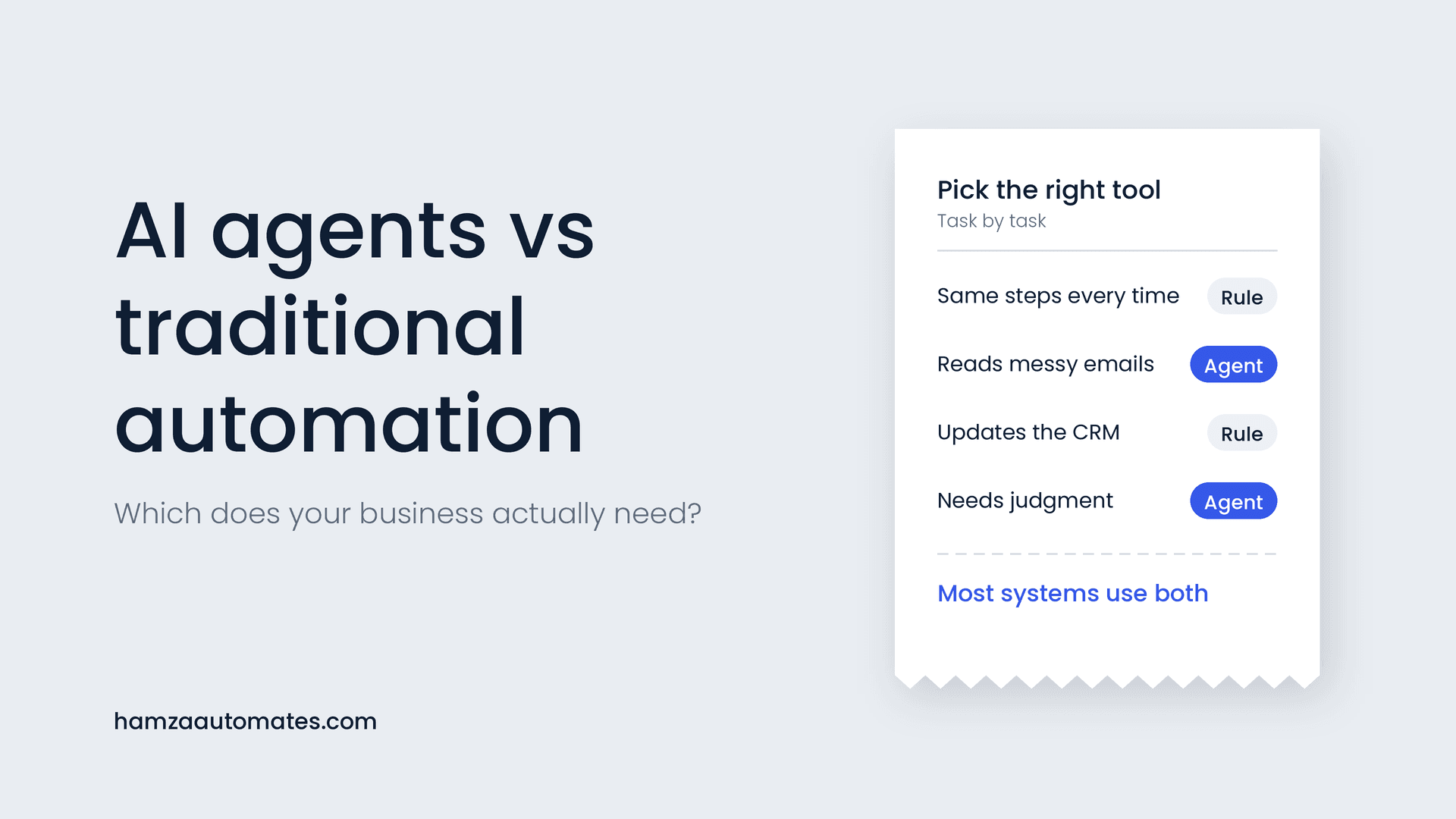
“Can’t we just use AI for all of it?” Often the cheaper and more reliable answer is fewer AI steps, not more. Explaining where rules beat AI, as in AI Agents vs Traditional Automation, builds trust and positions you as the expert.
“Can we start smaller?” Yes. A paid pilot on one process is a good way to prove value with a new client. Price it so it’s still profitable, and agree up front what happens if it succeeds.
Pricing mistakes that cost new agencies the most
- Pricing by tool complexity instead of business value. A simple workflow that saves 40 hours a month is worth more than a clever one that saves two.
- Unlimited revisions or vague scope. Write down exactly what’s included and how changes are handled.
- Free support after launch. Every system needs care. If it isn’t in a retainer, you’re doing it for free.
- Absorbing usage costs. Your margin shouldn’t shrink when the client’s volume grows.
- Discounting to win the deal. Remove scope instead of cutting price. Discounts train clients to negotiate every time.
- Never raising prices. Your prices should rise as your results and case studies do.
When to raise your prices
Raise your prices when most prospects say yes without pushing back on price, when you’re booked several weeks ahead, or when you have case studies showing measurable results. Apply new prices to new clients first, and give existing clients notice before adjusting retainers. A niche helps too: an agency that only builds lead systems for, say, dental clinics can charge more than a generalist, because it can point to directly relevant results.
Want help building and pricing your agency?
This article is part of my guide to how to build an AI automation agency. Inside our free Skool community, more than 30,000 people building automation businesses share real proposals, pricing and client work, and my courses and programs cover scoping, pricing and delivery in depth. And if you’re a business owner who landed here and would rather have it built for you, see what we build as an AI automation agency.
Frequently asked questions
How much should I charge for AI automation services?
Price against the value the automation creates. A common approach is a one-time setup fee of roughly 20% to 35% of the first-year value, plus a monthly retainer for support, with a cost floor based on your hours, tools and margin. Many agencies charge setup fees from about $1,500 to $15,000 and retainers from about $500 to $5,000 a month.
Should I charge hourly for AI automation?
Hourly pricing is fine for small fixes and early discovery work, but it penalises you for getting faster and ties your income to time rather than results. Most established automation agencies use fixed project fees, setup plus retainer, or value-based pricing.
Who pays for AI API usage costs?
The cleanest setup is for the client to own the accounts and pay usage directly. If you bill usage yourself, pass it through at cost or with a small, stated margin, and cap it in the contract so neither side is surprised.
What should an AI automation retainer include?
Monitoring, fixes, updates when tools or AI models change, a set number of hours for small improvements, a response time for issues and a regular performance report. New builds should be quoted separately.
When should I raise my AI automation prices?
Raise prices when most prospects say yes without pushing back on price, when you’re booked several weeks ahead, or when you have case studies showing measurable results. Apply new prices to new clients first.
About the author: Hamza Baig is the founder of Hexona Systems, an AI automation agency and software platform, and the creator of the AI Automation Institute, where more than 30,000 students have learned to build with AI and automation. He has been featured in Yahoo Finance, CEO Weekly and Brainz Magazine. Follow him on X and LinkedIn.
About
Hamza Baig is the founder of Hexona Systems—an automation agency and softwareplatform that helps thousands of entrepreneurs and business owners implement AI-powered workflows at scale.