AI Chatbots for Lead Qualification: How They Work and What They Cost
How AI lead qualification chatbots work, the questions they should ask, what they cost to build and run, and the metrics that show they’re paying off.





Most businesses don’t have a lead problem. They have a lead response problem. Leads arrive at 9pm, on weekends or while the team is busy, and by the time someone replies the next morning, the prospect has already booked with a competitor who answered first.
An AI chatbot for lead qualification fixes that. It replies in seconds, has a real conversation, works out whether the lead is a good fit and books the qualified ones straight into your calendar. This guide explains how these chatbots work, what a good qualification conversation looks like, what they cost to build and run and how to tell if yours is paying off.
Quick answer: An AI lead qualification chatbot answers new leads instantly on your website, WhatsApp or social DMs, asks your qualifying questions in a natural conversation, scores the lead against your criteria, books qualified prospects into your calendar and syncs everything to your CRM. A custom build typically costs $3,000 to $15,000, with running costs of about $100 to $800 a month.
What a lead qualification chatbot actually does
Older chatbots followed rigid decision trees: click a button, get a canned answer. If a visitor asked anything outside the script, the bot got stuck. An AI chatbot understands free-text messages, answers questions using your own business information and adapts the conversation to what the lead says, while still working towards a clear goal: qualify, then book or route.
Strictly speaking, a chatbot that only talks is an assistant. Once it starts taking actions, such as booking meetings, updating your CRM and triggering follow-ups, it’s behaving more like an AI agent. I explain the difference in AI Chatbots vs AI Agents. For lead qualification, you almost always want the version that takes action.
Speed is the main reason these chatbots pay off. A widely cited Harvard Business Review analysis of online sales leads found that firms that contacted leads within an hour were far more likely to qualify them than firms that waited longer. A chatbot responds in seconds, around the clock.
How an AI lead qualification chatbot works
Behind the chat window, a well-built system runs through five stages.
1. Capture. A lead starts a conversation on your website, submits a form, sends a WhatsApp message or replies to an ad. The chatbot opens the conversation immediately, using whatever it already knows, such as the page they were on or the ad they clicked.
2. Converse. The chatbot answers the lead’s questions from your knowledge base (services, service areas, process, typical pricing ranges) and naturally works in your qualifying questions. Good chatbots ask one question at a time and don’t feel like a form.
3. Score. As answers come in, the system scores the lead against criteria you define, such as budget, timeline, location and service fit. Clear rules make the decision; the AI’s job is to understand the answers, not to invent its own criteria.
4. Book or route. Qualified leads get a booking link or are booked directly into an available slot. Leads that don’t fit get a helpful alternative, such as a resource, a referral or a smaller offer. High-value or unusual leads are handed to a person immediately, with the full conversation attached.
5. Sync and follow up. Every conversation, answer and score is written to your CRM. Leads who go quiet get timely follow-ups, which is where many sales are won, as I explain in AI Automation for Customer Follow-Up.
What a good qualification conversation looks like
Here’s an illustrative example for a home renovation company, showing the tone and structure that work well. Notice that the chatbot answers the lead’s question before asking its own, and asks one thing at a time.
Lead: Hi, do you do kitchen remodels in Austin?
Assistant: Hi! Yes, kitchen remodels are one of our main services, and we cover Austin and the surrounding area. Is this for a full remodel or a partial update, like cabinets and countertops?
Lead: Full remodel. Old kitchen, want to open it up to the living room.
Assistant: That’s a project we do a lot. Opening up a wall usually means a structural check, which we include in our site visit. Do you have a rough budget in mind? Most full remodels we do fall between $35,000 and $80,000.
Lead: Probably around $40k.
Assistant: Great, that works for a full remodel. When are you hoping to start?
Lead: Next month ideally.
Assistant: We have site visits available this Tuesday at 10am or Thursday at 2pm. Which suits you better?
In four short exchanges, the chatbot has confirmed service, location, scope, budget and timeline, and moved the lead to a booked visit, without it ever feeling like an interrogation. The prices in the example are placeholders; your chatbot should only quote ranges you’ve approved.
Choosing your qualification criteria
Your chatbot is only as good as the criteria you give it. Start with the questions your best salesperson already asks on the first call. Most businesses use some version of these:
Criterion
Example question
Why it matters
Need / service fit
“What are you looking to get done?”
Filters out requests you don’t offer
Budget
“Do you have a rough budget in mind?”
Avoids sales calls with leads who can’t afford you
Timeline
“When are you hoping to start?”
Prioritizes leads ready to buy now
Location or market
“Where is the project based?”
Essential for local and regional businesses
Decision-maker
“Will anyone else be involved in the decision?”
Gets the right people on the call
Size or volume (B2B)
“Roughly how many leads do you get a month?”
Matches the lead to the right offer or package
Keep it to three to five questions. Every extra question loses some leads. Anything that isn’t needed to decide whether to book the call can wait until the call.
Where to deploy it
The best results come from putting the chatbot wherever leads already reach you, rather than only on your website:
- Website chat, especially on pricing, service and contact pages.
- WhatsApp and SMS, which suit local and service businesses and get fast replies.
- Instagram and Facebook DMs, for leads from social content and ads.
- Straight after a form submission, by sending an instant message or text instead of a generic “we’ll be in touch” email.
A single “brain” can run across all of these channels, so every lead gets the same qualification logic and lands in the same CRM pipeline.
What an AI lead qualification chatbot costs
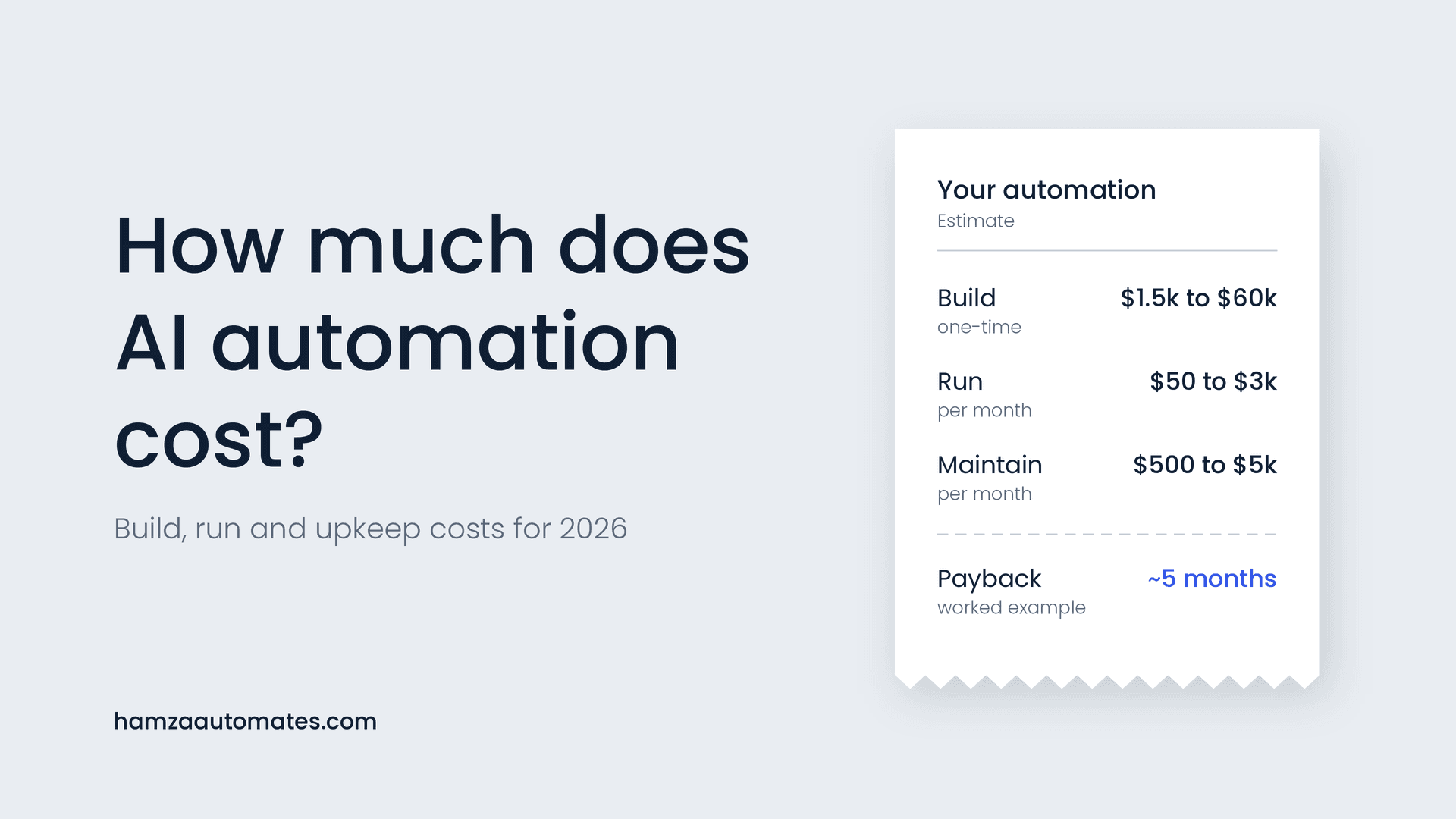
A custom lead qualification chatbot typically costs $3,000 to $15,000 to build, depending on how many channels it covers, how much business knowledge it needs and how deeply it connects to your calendar and CRM. Running costs usually land between $100 and $800 a month. My AI automation cost guide explains the full build, run and maintain breakdown.
Cost component
What it covers
Typical range
Build (one-time)
Discovery, conversation design, knowledge base, calendar and CRM integrations, testing
$3,000 to $15,000
AI model usage
Paid per token for every message the chatbot reads and writes
$30 to $300 / month
Platform and hosting
Workflow platform, chat widget, servers
$20 to $200 / month
Knowledge base storage
Vector database for searching your business information, if needed
$0 to $100 / month
Messaging fees
WhatsApp Business or SMS charges, which vary by provider and country
Usage-based
Maintenance
Monitoring, updates to answers and criteria, fixes
$500+ / month, or ad hoc
AI model costs are usually smaller than people expect. In my cost guide, I work through an example of 3,000 conversations a month that comes to roughly $78 in model usage. Using smaller, cheaper models for simple steps keeps this low, as I explain in why the businesses winning with AI use smaller models.
Off-the-shelf chatbot tools can be cheaper to start with, often a monthly subscription. They work well for simple FAQ-style qualification. A custom build makes sense when you need your exact qualification logic, several channels, deep CRM integration or a conversation that reflects how your business actually sells.
How to measure whether it’s working
Record a baseline before launch, then track these metrics monthly. My ROI framework shows how to turn them into a payback figure.
Metric
What it tells you
Median response time
How fast leads get a first reply. It should drop to seconds.
Conversation start rate
How many visitors or leads engage with the chatbot at all.
Qualification rate
The share of conversations that meet your criteria.
Meetings booked
The number that matters most to sales.
Show-up rate
Whether booked leads actually attend. Low rates suggest weak qualification or missing reminders.
Sales acceptance rate
How many chatbot-qualified leads your team agrees were good fits.
Cost per qualified lead
Total chatbot cost divided by qualified leads, compared with your previous process.
Common mistakes to avoid
Turning the chat into a form. Firing five questions in a row feels like an interrogation. Answer the lead’s question first, then ask one question at a time.
Letting the AI make things up. The chatbot should only state prices, availability and policies from information you’ve approved. If it doesn’t know, it should say so and offer to connect the lead with your team.
No route to a human. Some leads want to talk to a person, and some situations need one. Make the handoff easy and fast, and don’t rely on someone glancing over transcripts as your only safety check. I explain why in Your Human in the Loop Is a Receipt, Not a Control.
Not syncing to the CRM. A chatbot that qualifies leads but leaves the data in a separate inbox creates more work. Every conversation and score should land in your pipeline automatically.
Setting it and forgetting it. Read a sample of conversations every week for the first month. You’ll quickly spot questions it handles badly and answers that need updating.
Disclosure, consent and trust
Be upfront that leads are talking to an AI assistant. It builds trust, and in some places it’s a legal requirement. California’s bot disclosure law (SB 1001) covers bots used to encourage a sale, and the EU AI Act’s transparency obligations require that people are informed when they’re interacting with an AI system. If your chatbot follows up by SMS or WhatsApp, make sure you have the right consent for those messages in each country you operate in. This isn’t legal advice, so check the rules that apply to your business.
Want a chatbot that books qualified leads for you?
At Hexona Systems, we build AI lead qualification chatbots and agents that work across your website, WhatsApp and social channels, connect to your calendar and CRM, and are measured against meetings booked, not messages sent. See what we build as an AI automation agency, or book a call and we’ll map out how a chatbot would qualify your leads. Comparing providers? Use my 10 questions to ask before you hire an AI automation agency.
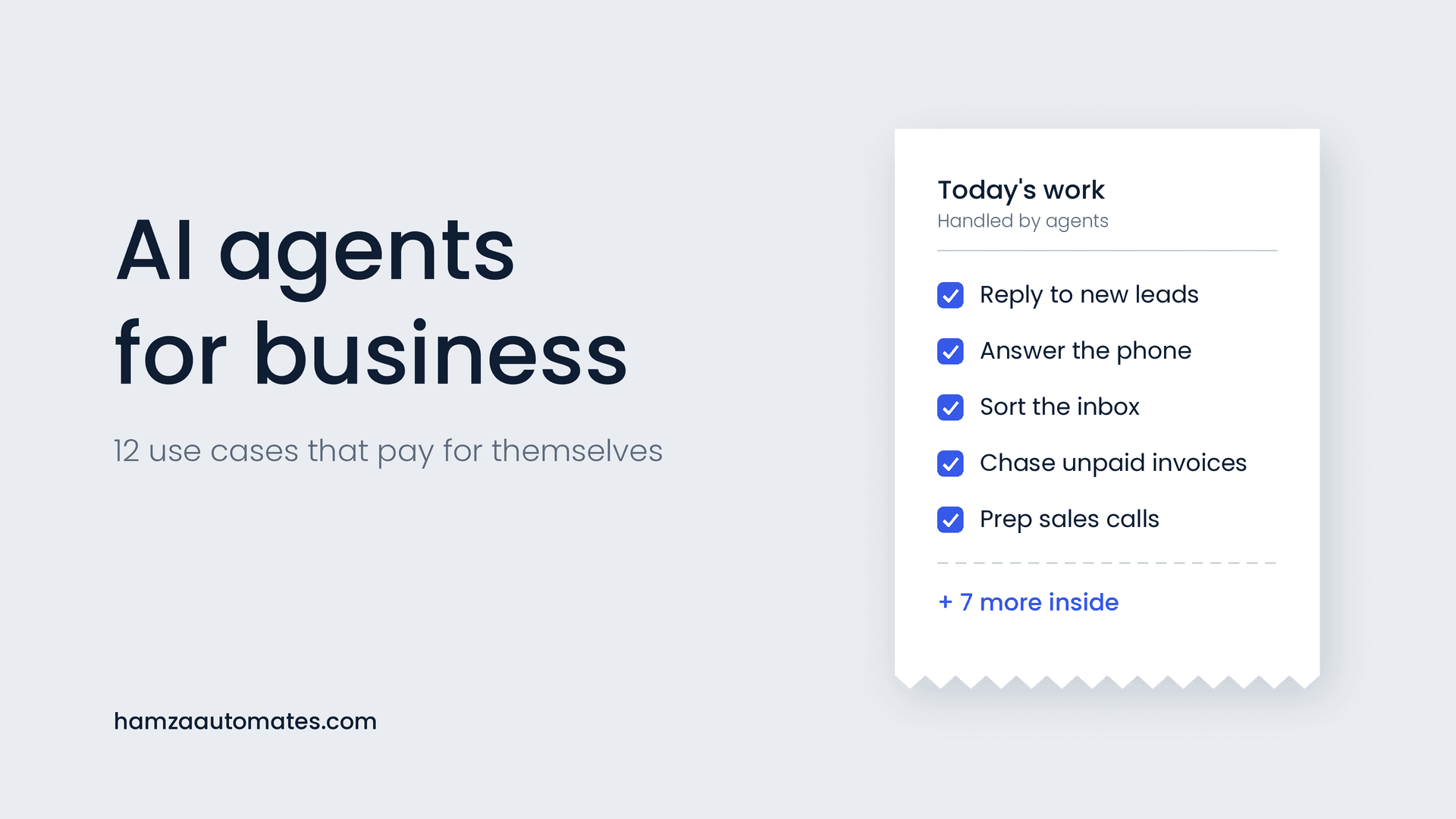
For more ideas on where AI can take work off your team, see 12 AI agent use cases that pay for themselves.
Frequently asked questions
Can an AI chatbot qualify leads as well as a person?
For first-touch qualification, such as confirming service fit, budget, timeline and location, a well-built AI chatbot is often as accurate as a person and far faster, because it replies instantly at any hour. Complex or high-value deals should still be handed to a salesperson with the full conversation attached.
How much does an AI chatbot for lead qualification cost?
A custom build typically costs $3,000 to $15,000, plus about $100 to $800 a month in running costs for AI model usage, platform fees and storage. Off-the-shelf tools can cost less to start but offer less control over your qualification logic and integrations.
Which channels can a lead qualification chatbot run on?
Most can run on website chat, WhatsApp, SMS, and Instagram and Facebook messages, and can respond instantly to web form submissions. Using one system across all channels keeps qualification consistent and every lead in one CRM pipeline.
Will leads mind talking to an AI chatbot?
Most leads care more about getting a fast, useful answer than who provides it. Be transparent that it’s an AI assistant, keep the conversation natural and make it easy to reach a person when they ask.
How long does it take to build an AI lead qualification chatbot?
A focused single-channel chatbot can often be built and tested in two to four weeks. Multi-channel chatbots with complex qualification logic and deep CRM integration usually take longer.
About the author: Hamza Baig is the founder of Hexona Systems, an AI automation agency and software platform, and the creator of the AI Automation Institute, where more than 30,000 students have learned to build with AI and automation. He has been featured in Yahoo Finance, CEO Weekly and Brainz Magazine. Follow him on X and LinkedIn.
About
Hamza Baig is the founder of Hexona Systems—an automation agency and softwareplatform that helps thousands of entrepreneurs and business owners implement AI-powered workflows at scale.