Automation Monitoring & Error Handling: A Practical Guide
Why automations break, the error handling patterns that prevent damage, how to monitor workflows and AI steps, alert design and a weekly-to-quarterly maintenance routine.





The most dangerous automation failure isn’t the one that crashes loudly. It’s the one that stops quietly. A login token expires on a Friday, and new leads stop reaching the CRM. A form field gets renamed, and invoices go out with blank amounts. Nobody notices for two weeks, until a client asks why nobody called them back.
Every automation will eventually hit something its builder didn’t expect. The difference between a reliable system and a liability is workflow error handling and monitoring: designing workflows that handle problems gracefully, tell the right person when something goes wrong and make it easy to recover. This guide covers why automations break, the patterns that prevent damage, how to monitor AI steps, how to design alerts people actually act on and a simple maintenance routine.
Quick answer: Protect every production workflow in four layers. Prevent bad data with validation. Handle temporary failures with retries and fallback paths. Detect problems with error alerts, “nothing ran” checks and volume checks. Recover by saving failed records for reprocessing and keeping a short runbook. For AI steps, also validate the output format, log inputs and outputs and watch usage costs. Review alerts weekly and do a fuller check every month and quarter.
Why automations break
Cause
Example
How to catch it
Expired credentials
A connected account’s login or API token expires
Error alerts; a calendar reminder before known expiry dates
App changes
A form field, CRM property or API response changes
Validation steps; error alerts; volume checks
Rate and usage limits
An API rejects too many requests, or a plan’s execution limit is reached
Retries with waits; usage alerts
Unexpected input
A blank email, a phone number in a new format, a huge attachment
Validation and a holding area for bad records
Silent stops
A trigger stops firing, so nothing runs and nothing errors
A “nothing ran” check
AI changes
A model is updated or retired, or returns output in the wrong format
Output validation; provider change notices
Process changes
The team changes how they work, but the automation doesn’t
Regular reviews with the people who use it
Layer 1: Prevent bad data getting in
- Validate inputs at the start of the workflow: required fields present, emails and phone numbers in the right format, amounts within sensible ranges.
- Normalize data into one format (dates, phone numbers, currencies) before it moves between systems.
- Deduplicate, so the same lead, invoice or ticket isn’t processed twice.
- Use webhooks over polling where possible. They’re faster and use far fewer of your plan’s runs.
Layer 2: Handle failures gracefully
Pattern
What it does
Use it for
Retry with a wait
Tries again after a pause, waiting longer each time
Temporary errors, timeouts and rate limits
Fallback path
Takes an alternative route when a step fails
Sending an alert by email if Slack is down; using a backup AI model
Holding area (dead-letter queue)
Saves failed records with the error so they can be fixed and replayed
Any record you can’t afford to lose, such as leads and payments
Idempotency check
Checks whether an action already happened before doing it
Avoiding double emails, double invoices and duplicate records
Pause on repeated failure
Stops the workflow after several failures in a row and alerts someone
Preventing a broken workflow from spamming clients or burning through usage
Most platforms have built-in tools for this. In n8n, you can enable retries on individual steps and set an error workflow that runs whenever another workflow fails. Make offers error handlers such as retry, ignore and rollback on individual modules. Whichever you use, make error handling part of the build, not something added after the first incident.
Layer 3: Detect problems fast
Error alerts catch workflows that run and fail. They don’t catch workflows that never run at all, which is why you need three kinds of check:
Error alerts. Every failure sends an alert with the workflow name, the step that failed, the error message and a link to the failed run.
“Nothing ran” checks. A separate scheduled workflow checks that each critical workflow has run recently. If lead routing hasn’t processed a lead by midday on a weekday, something is probably wrong.
Volume and quality checks. Compare today’s numbers with normal levels: far fewer leads, far more errors, invoices with zero amounts or AI usage far above average.
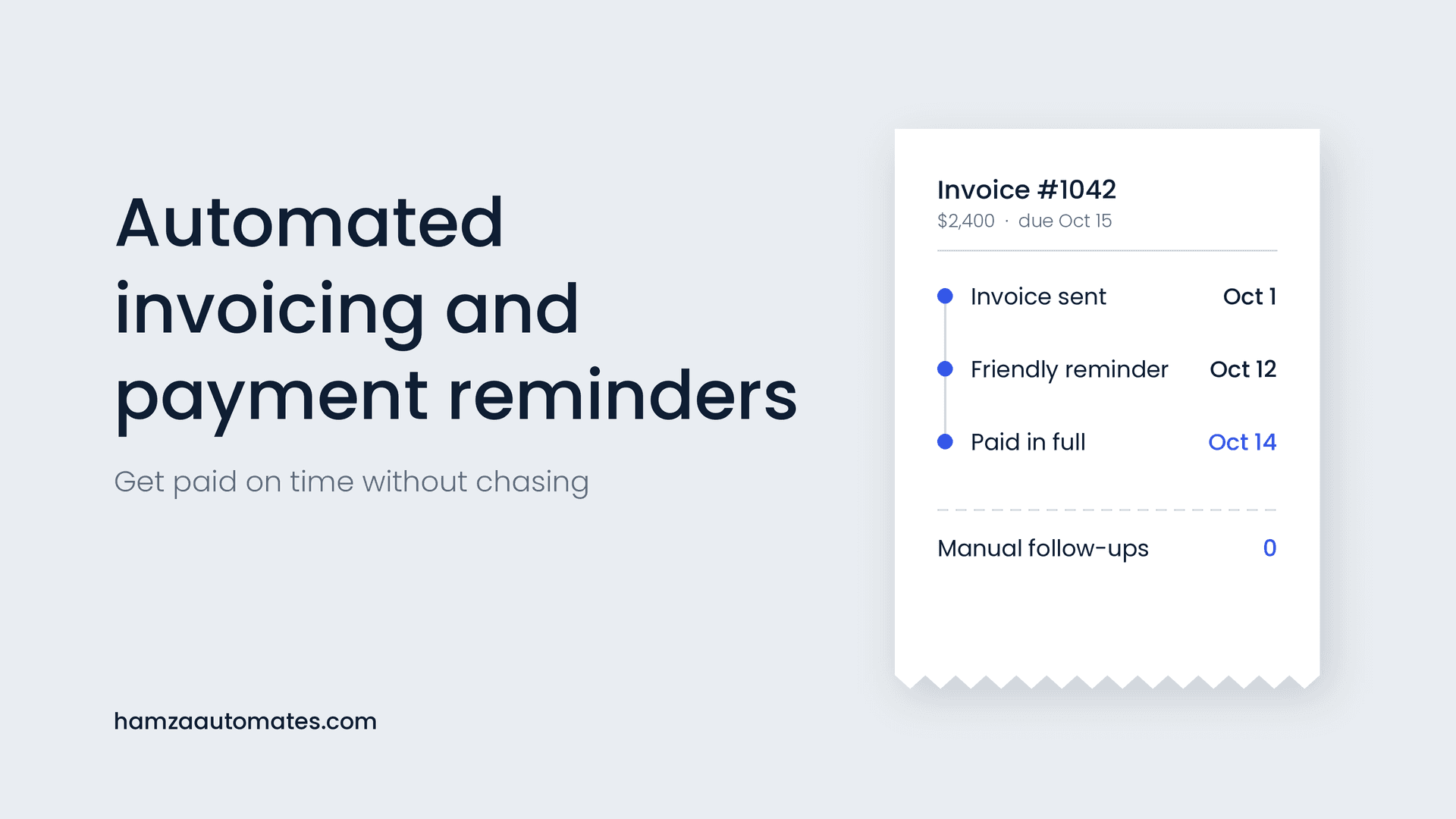
These checks are especially important for your most important workflows, such as lead routing, invoicing and payment reminders and client reporting, where a silent failure costs money or trust.
Layer 4: Recover cleanly
- Replay from the holding area once the cause is fixed, so no record is lost.
- Keep a short runbook for each critical workflow: what it does, what systems it touches, common errors and how to fix them, and who to contact.
- Log what happened, so you can explain an incident to a client and prevent it next time.
- Fix the cause, not just the symptom. If a token expired, add a reminder before the next expiry date.
Monitoring AI steps
AI steps add failure modes that ordinary automation doesn’t have: the output can be in the wrong format, plausible but wrong, unexpectedly expensive or different after a model update. Extra safeguards for every AI step:
- Ask for structured output (specific fields in a fixed format) and validate it before the next step uses it.
- Route invalid or uncertain results to a person instead of passing them on.
- Log inputs and outputs for review and troubleshooting.
- Set usage alerts and spending caps with your AI provider, and alert on sudden cost spikes.
- Track model updates and retirements from your provider, and re-test before switching.
- Keep AI out of steps that need exact answers, such as calculations and amounts; use rules there.
Don’t rely on a person skimming outputs as your main protection. Reviewers miss a large share of AI errors, as I cover in Your Human in the Loop Is a Receipt, Not a Control. Validation and limits are more dependable. If AI steps are creating extra checking work for your team, see The Real Reason Your AI Automations Are Creating More Work. And treat AI agents with tool access as a security concern too, as I explain in The Agent Intrusion Timeline That Should Change How You Build Automations.
Designing alerts people act on
Too many alerts are as bad as none: people start ignoring them. Match the alert to the severity and send it to the person who can fix it.
Severity
Example
Who and how
Critical
Lead routing or payments stopped; customer-facing errors
Owner and backup, by phone notification or SMS, immediately
High
A workflow failing repeatedly; records in the holding area
Owner, by Slack or Teams, within the hour
Medium
Single failures that were retried successfully
Daily summary
Low
Usage approaching plan limits; credentials expiring soon
Weekly summary
Every alert should answer three questions: what broke, what’s affected and what to do next. Include a link to the failed run and the runbook.
A simple maintenance routine
How often
What to check
Weekly
Alerts and failed runs; holding area emptied; anything retried repeatedly
Monthly
Platform and AI usage against limits and budget; credentials nearing expiry; data quality spot-checks; volume trends
Quarterly
Each workflow against how the team works today; documentation and runbooks up to date; AI model updates and re-tests; unused workflows switched off
Keeping a list of every workflow, its owner, what it touches and when it was last reviewed makes this much easier. Standardizing on one main platform helps too, as I cover in The AI Automation Agency Tool Stack.
Who should own it?
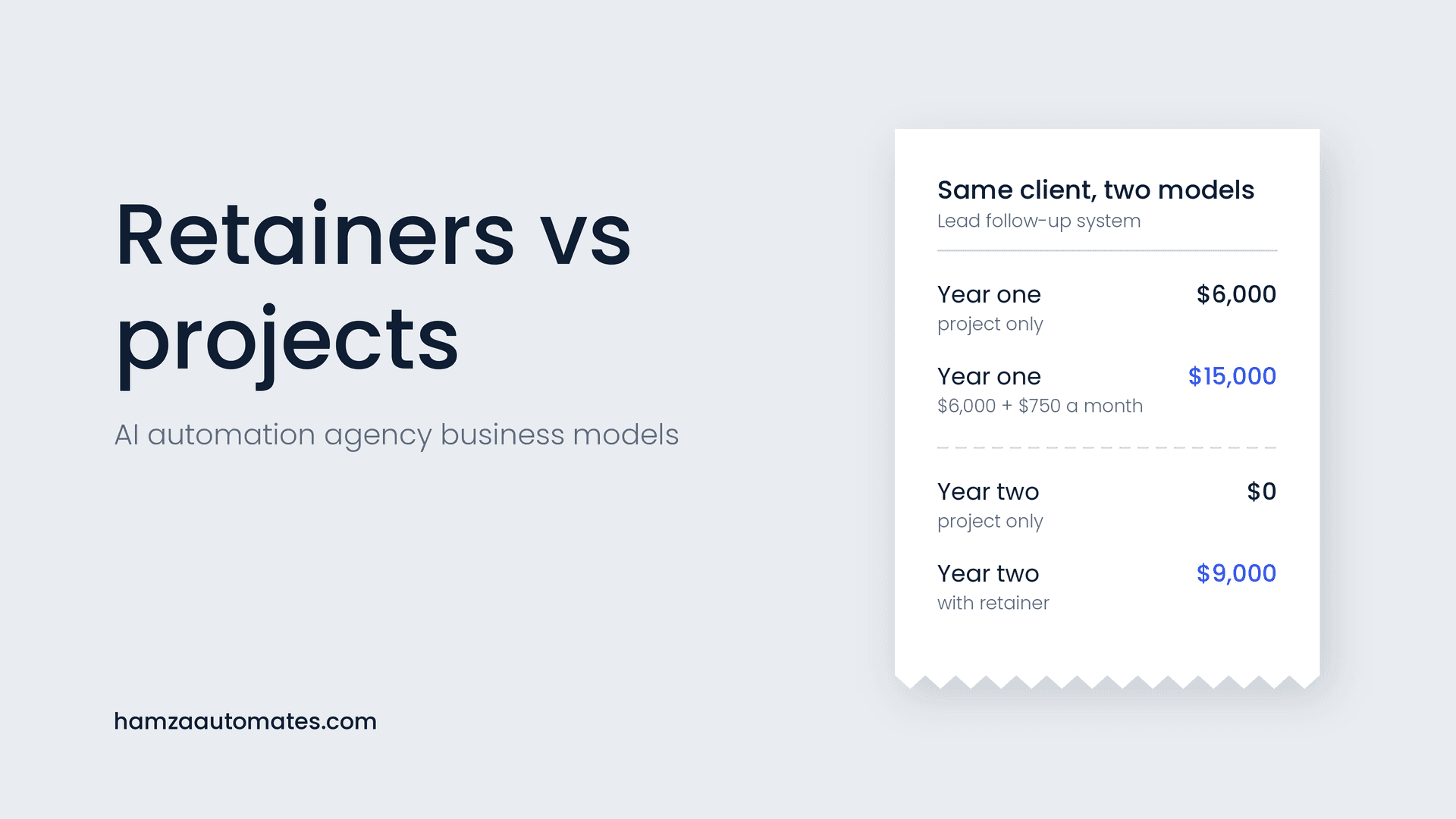
Every production workflow needs a named owner. In-house, that’s usually the person who built it or the operations lead. If an outside partner built it, maintenance is exactly what a care plan or retainer should cover, as I explain in Retainers vs Projects. For help deciding who should build and look after your systems, see my comparison of agencies, freelancers and in-house teams.
Monitoring usually adds only a modest amount to a build when it’s designed in from the start, and far less than fixing a silent failure later. See my AI automation cost guide for typical build and maintenance ranges.
Common mistakes to avoid
- No alerts at all. You find out about failures from your clients.
- Alerts only for errors. Workflows that stop running never trigger an error.
- Alerts to a shared inbox nobody reads. Send them to a named person.
- Retrying forever. Endless retries can send duplicate emails or burn through your plan’s usage.
- No holding area. Failed records disappear instead of waiting to be fixed.
- Trusting AI output without checks. Validate format and route uncertain results to a person. I cover more failure patterns in why most AI agents fail.
- Building without a plan for upkeep. Error handling belongs in the first version; see my no-code automation guide for where it fits in a build, and AI Agents vs Traditional Automation for keeping AI to the steps that need it.
Want workflows that stay reliable?
At Hexona Systems, every automation we build includes error handling, monitoring and alerts from day one, and our care plans keep it running as your tools and business change. See our workflow and marketing automation services, or book a call and we’ll review the automations you already have. For AI agents and assistants, see what we build as an AI automation agency. For a worked example of status checks that prevent duplicate messages, see my client onboarding automation guide.
Frequently asked questions
Why do automations stop working?
Common causes include expired logins or API tokens, changed fields or formats in connected apps, rate limits, plan usage limits, unexpected input data and changes to AI models. Many of these fail silently unless monitoring is set up.
How do I get alerted when an automation fails?
Use your platform’s error handling features, such as an error workflow in n8n or error handlers in Make, to send an alert to email, Slack or Teams with the workflow name, the error and a link to the failed run. Add a separate check that alerts you when a workflow hasn’t run at all when it should have.
What is a dead-letter queue in automation?
It’s a holding place, such as a table or spreadsheet, where records that failed processing are stored with the error details so they can be fixed and reprocessed later instead of being lost.
How do I monitor AI steps in a workflow?
Validate that AI output matches the expected format before using it, log inputs and outputs, alert on unusual spikes in usage or cost, route low-confidence or invalid results to a person, and track model updates or retirements from your provider.
How often should automations be maintained?
Check alerts and failed runs weekly, review usage, credentials and data quality monthly, and do a fuller review of each workflow, its documentation and any AI model changes every quarter.
About the author: Hamza Baig is the founder of Hexona Systems, an AI automation agency and software platform, and the creator of the AI Automation Institute, where more than 30,000 students have learned to build with AI and automation. He has been featured in Yahoo Finance, CEO Weekly and Brainz Magazine. Follow him on X and LinkedIn.
About
Hamza Baig is the founder of Hexona Systems—an automation agency and softwareplatform that helps thousands of entrepreneurs and business owners implement AI-powered workflows at scale.