Automated Invoicing & Payment Reminders: How-To Guide
How to automate invoicing and payment reminders: invoice triggers, a reminder schedule with example messages, a 10-step workflow, accounting sync and the metrics that show it’s working.





Most service businesses don’t have a pricing problem or a sales problem when cash gets tight. They have a collection problem. Invoices go out late because someone forgot, reminders don’t go out at all because chasing clients feels awkward, and by the time anyone notices, a dozen invoices are 30 days overdue.
Automated invoicing and payment reminders fix that with a workflow that sends the right invoice at the right moment, makes paying easy, follows up politely on a fixed schedule, stops the moment payment arrives and only involves a person when it’s genuinely needed. This guide walks through the triggers, a reminder schedule with example messages, a 10-step workflow, where AI helps and how to measure the impact on your cash flow.
Quick answer: Create invoices automatically from events (a signed contract, a completed milestone or a recurring date) with a payment link included. Send reminders on a fixed schedule: a few days before the due date, on the due date, then roughly 3, 7 and 14 days overdue, ending with a personal message and an escalation step. Check payment status before every reminder, stop instantly when the invoice is paid, and sync everything to your accounting software. Retainers should use automatic card or bank payments wherever possible.
What gets automated
- Invoice creation from the event that should trigger billing.
- Sending with a clear due date and a one-click payment link.
- Reminders on a schedule, with a tone that changes as the invoice ages.
- Receipts and thank-you messages when payment arrives.
- Accounting sync, so payments and invoices appear in your books without double entry.
- Escalation to the account owner or finance lead when reminders don’t work.
- Reporting on what’s outstanding, what’s overdue and who pays late.
Choose the right invoice triggers
The most reliable invoicing is tied to an event, not someone’s memory. Match the trigger to how you bill:
Billing type
Trigger
Example
Upfront or setup fee
Contract signed
Invoice sent automatically with the welcome email in your onboarding workflow
Milestone billing
Project task marked complete
Phase 2 approved in the project tool, phase 2 invoice sent
Monthly retainer
Recurring date
Invoice or automatic charge on the 1st of each month
Usage-based
End of billing period
Hours or usage pulled from your tools and invoiced on the last day of the month
Product or one-off service
Order or booking completed
Invoice and receipt sent when the job is marked done
For retainers, the best reminder is the one you never need: set up automatic card or bank payments at the start, so invoices are paid on the due date by default. Payment platforms such as Stripe support recurring invoices and automatic collection. If you run an agency, this matters for the retainer model I describe in How to Price AI Automation Services.
A reminder schedule that works
Consistency matters more than the exact days. Clients learn that reminders are routine, not personal, which takes the awkwardness out of following up. Here’s a sensible default for business clients on 14- or 30-day terms:
When
Message
Tone
3 days before due
Upcoming payment reminder with the payment link
Friendly and helpful
On the due date
“Due today” note with the link
Friendly
3 days overdue
Gentle nudge; asks if anything is needed to process it
Polite
7 days overdue
Clear overdue notice with amount, invoice number and link
Polite and direct
14 days overdue
Personal email from the account owner
Direct, relationship-focused
30 days overdue
Escalation to finance lead; next steps per your contract terms
Firm and professional
Every reminder should include the invoice number, amount, due date and a working payment link. Before each one goes out, the workflow should check the invoice’s current status, so a client who paid an hour ago never receives a reminder.
Example messages
3 days before due: Hi Sarah, just a heads-up that invoice #1042 for $2,400 is due on October 15. You can pay securely here: [link]. Thanks again for working with us!
7 days overdue: Hi Sarah, invoice #1042 for $2,400 was due on October 15 and is now 7 days overdue. You can pay here: [link]. If there’s a problem with the invoice or you need a copy for your accounts team, just reply and we’ll sort it out.
14 days overdue (from the account owner): Hi Sarah, I wanted to check in personally about invoice #1042. Is there anything holding it up on your side? Happy to jump on a quick call if that’s easier.
The 10-step workflow
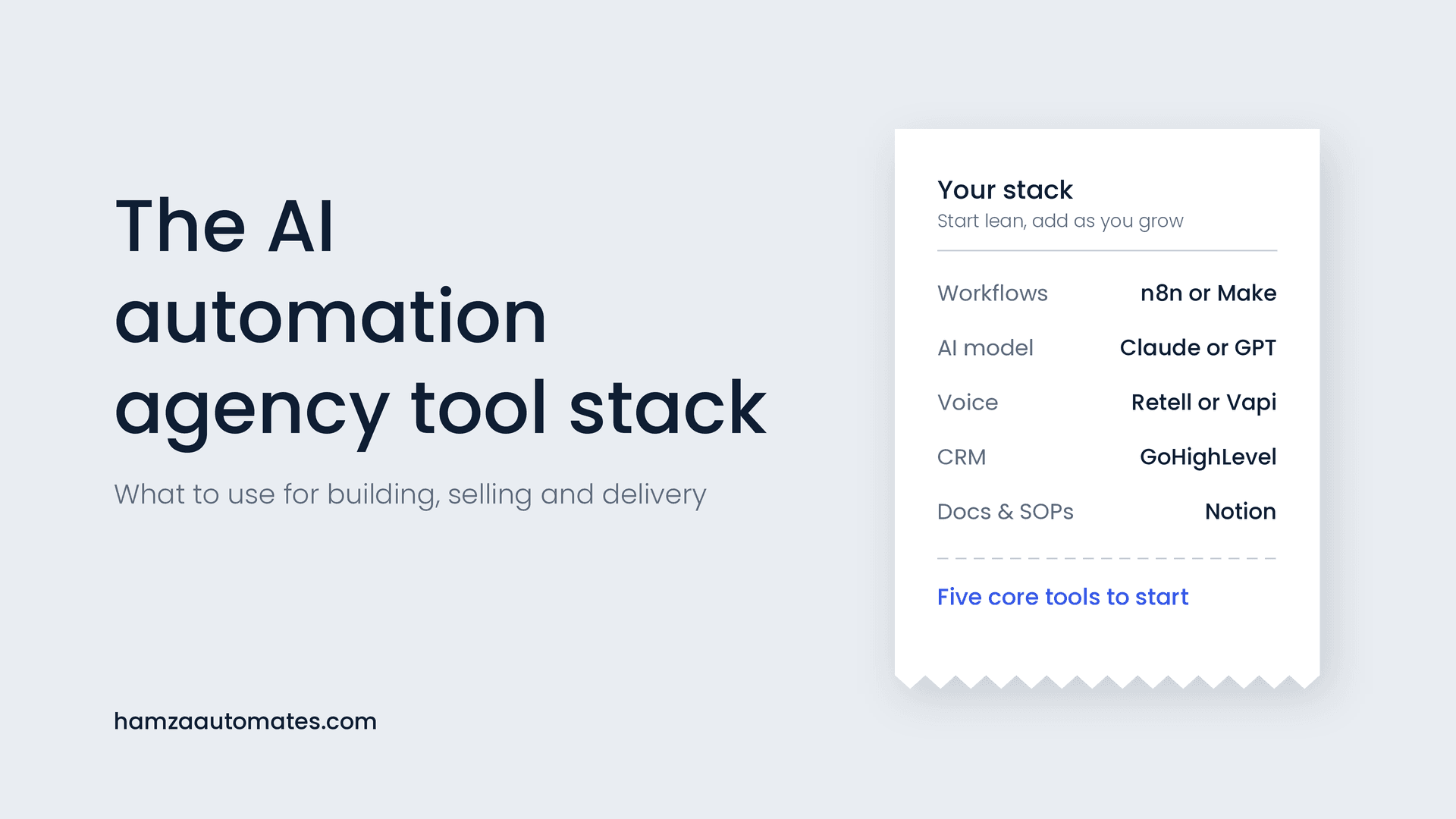
This blueprint works in n8n, Make or Zapier connected to your billing and accounting tools, or in the automation features of many CRMs. If you’re new to building workflows, start with my step-by-step no-code automation guide.
Step
What happens
How it’s built
1. Trigger
A billing event occurs
Webhook from e-signature, project tool, CRM or a scheduled date
2. Create invoice
Invoice generated with correct items, terms and due date
Billing or accounting tool, populated from CRM or project data
3. Send
Invoice emailed with a payment link
Billing tool’s email or your own branded template
4. Log
Invoice recorded against the client in the CRM
CRM update with amount, due date and status
5. Wait
Workflow pauses until the next reminder date
Wait or delay step
6. Check status
Has it been paid, partly paid or disputed?
Look up the invoice in the billing tool before each step
7. Remind
Sends the next reminder in the schedule
Templates by stage, with merge fields
8. Payment received
Thank-you and receipt sent; reminders stop
Payment webhook ends the sequence
9. Sync
Payment matched in accounting
Accounting integration such as QuickBooks or Xero
10. Escalate
Owner or finance lead alerted with full history
Task or alert at the escalation stage
Make paying as easy as possible
- One-click payment links in every invoice and reminder.
- Several payment methods, such as card and bank transfer, to suit each client.
- Saved payment details and autopay for retainers and repeat clients.
- Clear invoices with a purchase order number when the client needs one; missing details are a common reason invoices stall in a client’s accounts team.
- Partial payments or plans where appropriate, tracked automatically.
Where AI helps, and where it doesn’t
Invoice amounts, due dates and reminder timing should always be rule-based. Money is exactly where you want predictable behavior, as I explain in AI Agents vs Traditional Automation. AI is useful around the edges:
- Reading replies. When a client replies “paid yesterday,” “please send to accounts@…” or “this amount is wrong,” AI can classify the reply, pause reminders and route it to the right person.
- Personalizing messages within approved templates, for example referencing the project the invoice relates to.
- Processing bills you receive. On the payables side, AI can extract details from supplier invoices for approval, as covered in Why AI in Accounting Only Works When You Pair It With Automation.
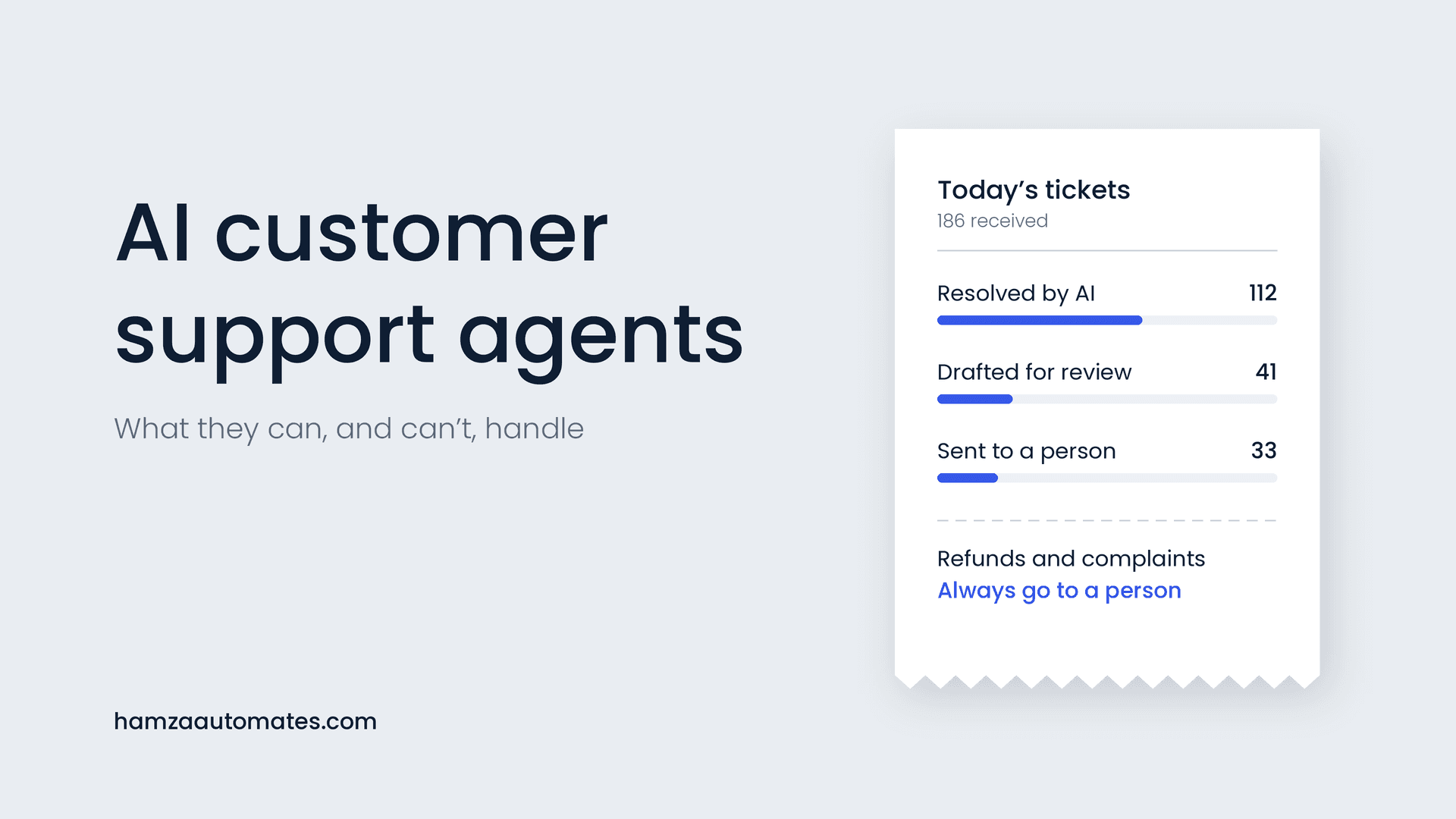
- Answering billing questions on your support channels, with sensitive cases handed to a person, as described in AI Customer Support Agents.
What it does for your cash flow: a worked example
The biggest benefit usually isn’t time saved; it’s cash arriving sooner. A common measure is days sales outstanding (DSO): roughly how many days, on average, it takes to collect payment after invoicing.
Here’s an illustrative example. A business invoicing $60,000 a month reduces its DSO from 45 days to 30 days with consistent invoicing and reminders:
- Average daily billing: $60,000 ÷ 30 = $2,000 a day
- 15 fewer days outstanding × $2,000 = about $30,000 less money tied up in unpaid invoices
That’s cash available for payroll, growth or a buffer, on top of fewer hours spent chasing and fewer awkward conversations. Use my ROI framework to measure your own before-and-after numbers.
Metrics to track
Metric
What it tells you
Days sales outstanding (DSO)
How quickly you turn invoices into cash
Share of invoices paid on time
Whether reminders and payment options are working
Average days late
How late overdue invoices typically are
Amount over 30 days overdue
Your highest-risk receivables
Invoices sent late after the billing event
Whether triggers are firing reliably
Hours spent on billing admin
Time saved for your team
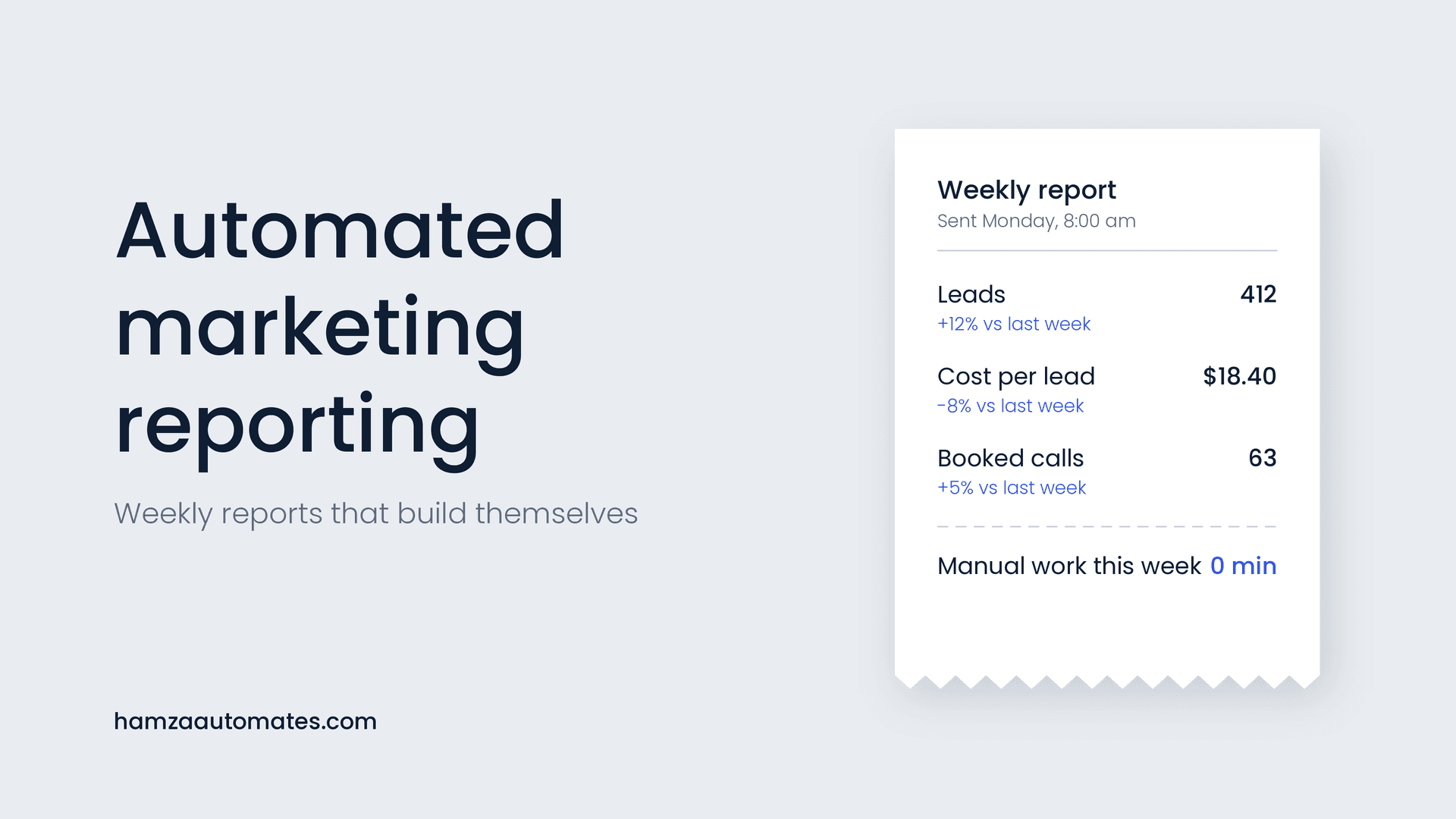
Add these to your weekly dashboard alongside your marketing and sales numbers; my guide to automated marketing reporting shows how to build one.
Common mistakes to avoid
- Reminding clients who have paid. Always check status before sending. This is the fastest way to damage goodwill.
- Ignoring disputes. If a client questions an invoice, pause reminders and route it to a person immediately.
- Robotic tone. Clear and polite beats legalistic. Save firm language for the later stages.
- No owner for escalations. Someone must be responsible for the invoices automation can’t collect.
- Charging fees your terms don’t allow. Late fees and interest should only apply if your contract and local rules permit them.
- Two sources of truth. If invoices live in one tool and payments in another without syncing, reminders will be wrong.
Terms, late fees and local rules
Automation enforces your payment terms consistently, so make sure those terms are clear in your contract: due dates, accepted payment methods and what happens when payment is late. Rules on late payment interest and fees vary by country; in the UK, for example, the government explains businesses’ rights to claim interest and debt recovery costs on late commercial payments. If an account goes to a collections agency or legal action, additional rules apply. This isn’t legal advice; check what applies to your business.
What it costs
A standard invoicing and reminder workflow typically costs $1,500 to $5,000 to build, depending on which billing, CRM and accounting tools you use and how many billing models you support. Running costs are usually covered by your existing software, plus your normal payment processing fees. See my AI automation cost guide for the full breakdown. Payment chasing is also one of the 12 AI agent use cases that pay for themselves, and one of the most common first automations for small businesses, as I covered in Business Workflow Automation for SMEs.
Want your invoicing and reminders automated?
At Hexona Systems, we build billing workflows that send the right invoice at the right time, follow up politely, stop the moment a client pays and keep your accounts in sync. See our workflow and marketing automation services, or book a call and we’ll look at how you bill today. If you’d like AI to handle billing questions or read client replies, see what we build as an AI automation agency.
Frequently asked questions
What is automated invoicing?
Automated invoicing creates and sends invoices when something happens, such as a signed contract, a completed milestone or a recurring date, with a payment link included, then records payments and syncs them to your accounting software without manual entry.
When should payment reminders be sent?
A common schedule is a friendly reminder a few days before the due date, a note on the due date, then reminders at roughly 3, 7 and 14 days overdue, with a personal message from the account owner and an escalation step after that.
Will automated reminders annoy my clients?
Not if they are polite, accurate and stop as soon as payment arrives. Most clients appreciate a clear reminder with a payment link. The biggest risk is reminding someone who has already paid, so payment status must be checked before every reminder.
Can I add late fees automatically?
Only if your contract or terms allow them and local rules permit them. Many businesses get better results from a clear reminder schedule and easy payment options than from late fees.
How much does it cost to automate invoicing and reminders?
A standard invoicing and reminder workflow typically costs about $1,500 to $5,000 to build, depending on your billing, CRM and accounting tools. Running costs are usually covered by your existing software plus normal payment processing fees.
About the author: Hamza Baig is the founder of Hexona Systems, an AI automation agency and software platform, and the creator of the AI Automation Institute, where more than 30,000 students have learned to build with AI and automation. He has been featured in Yahoo Finance, CEO Weekly and Brainz Magazine. Follow him on X and LinkedIn.
About
Hamza Baig is the founder of Hexona Systems—an automation agency and softwareplatform that helps thousands of entrepreneurs and business owners implement AI-powered workflows at scale.